DAM vs MAM vs CMS: What's the Difference?
DAM vs MAM vs CMS explained simply: what each system does, how they overlap, and which one your team actually needs to manage and find content.

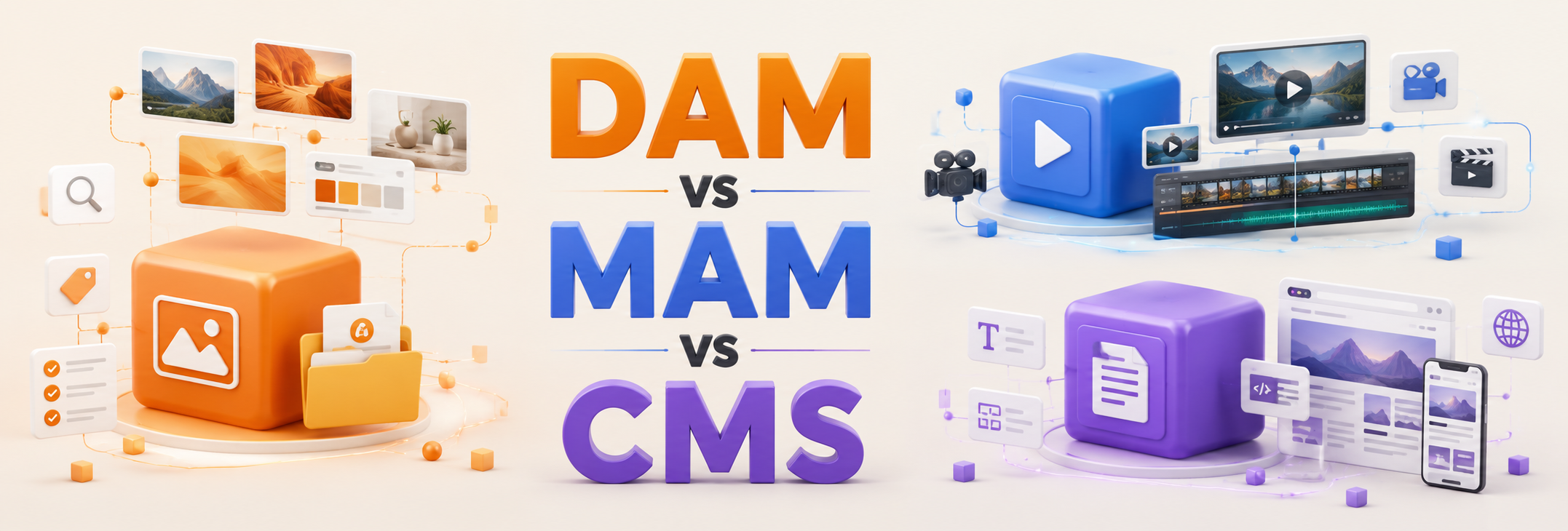
DAM, MAM, and CMS sound similar and often overlap. Each solves adifferent core problem. Here is what each one does in plain language, and how to tell which your team needs.
What is the difference between a DAM, a MAM, and a CMS?
A DAM (digital asset management)manages all of a brand's marketing and creative assets and makes them findable.A MAM (media asset management) focuses on video and media production workflows.A CMS (content management system) manages and publishes website content. Many teams need a DAM as the single source of truth that feeds the others.
What does a DAM do?
A digital asset management system stores, organizes, and makes findable the full range of brand assets:logos, photos, videos, documents, presentations, and design files. The point is retrieval, not just storage. A DAM adds tagging, search, version control, and controlled sharing so any team member, and approved external partners, can fin dthe right, current file in seconds. If you'd like to delve deeper into the benefits of DAM, you can check it out here.
What does a MAM do?
A media asset management system is a specialized cousin of the DAM, built around video and rich media production. MAMs emphasize workflow for large media files: ingest, editing handoffs, time codes, and review. If your core work is producing and managing high volumes of video, a MAM addresses that specific pipeline. Most marketing teams do not need a dedicated MAM; a DAM with solid video support covers them.
What does a CMS do?
A content management system manages the content on your website or app and publishes it to visitors. A CMSis about delivery to an audience, while a DAM is about organizing and finding the source assets internally. The two work together: assets live and stay current in the DAM, then get published through the CMS.
DAM vs MAM vs CMS at a glance
Verdict: Most teams need a DAM first. It is the single source of truth that keeps assets findable and current, then feeds the CMS for publishing and supports any MAM workflow you have. If your work is heavily video-production-led, add a MAM; if it is web publishing, your CMS handles that, sourcing assets from the DAM.
Which one does your team need?
Start with the problem you feel most. If files are scattered and nobody can find the current version, you need a DAM. If video production is bottlenecked, look at MAM capabilities. If publishing to your website is the pain, that is a CMS question. For most B2B marketing and creative teams, the foundation is a DAM, and a right-sized onelike Sparkfive connects to the CMS and creative tools you already use.
Frequently Asked Questions
Is a DAM the same as a CMS?
No. A DAM organizes and finds your source assets internally; a CMS publishes content to your website or app.They are complementary, and a DAM often feeds the CMS.
Do I need a MAM if I have a DAM?
Usually not. Unless you run heavy video production workflows, a DAM with good video support covers most teams' media needs.
Can a DAM connect to my CMS?
Yes. A modern DAM integrates with common content management systems, so published assets stay linked to the current approved version in the DAM.
Which should I buy first?
For most marketing and creative teams, a DAM comes first because it solves the findability problem that everything else depends on.
Where does Sparkfive fit?
Sparkfive is a digital asset management platform: the single source of truth that keeps assets findable and current, and connects to the creative and publishing tools your team already uses.


.png)
Ready to see Sparkfive in action?
Book a 20-minute personalized demo for your team.