What Is a Brand Portal?
What is a brand portal, and how is it different from a shared folder link? A guide for teams sharing assets externally.

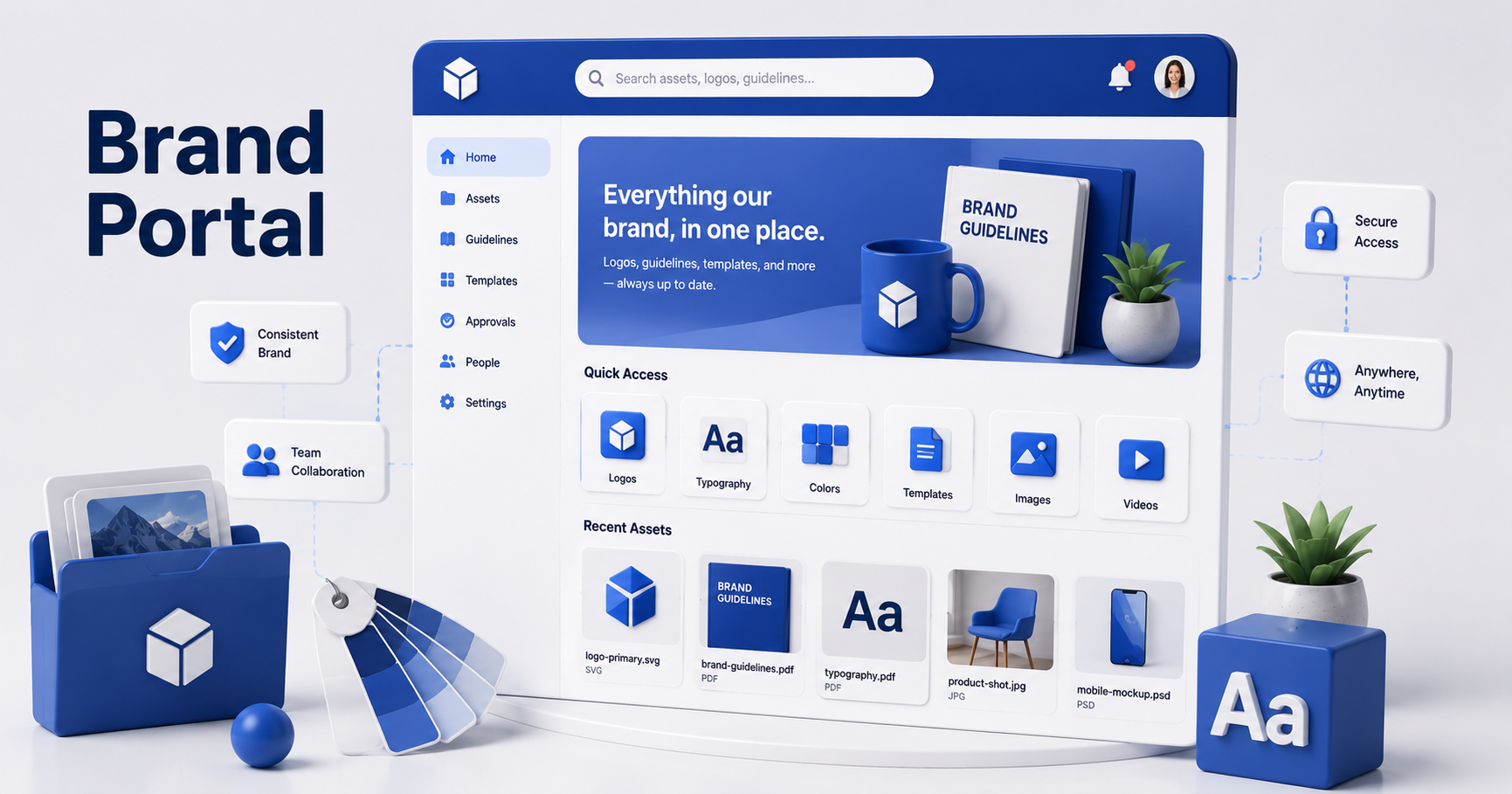
If you have ever emailed a distributor a folder link and then fielded three follow-up messages asking where the logo actually is, a brand portal solves exactly that problem. Here is what it is, what it looks like in practice, and who it is built for.
What is a brand portal?
A brand portal is a branded, self-serve space where teams, partners, and distributors find and download approved assets without logging into the full system. It cuts repetitive requests to marketing and keeps everyone on the latest, approved files.
In practice, it looks like a small branded page rather than a bare file list: your logo up top, a banner if you want one, and the files organized into collections that make sense for whoever is opening the link.
How is a brand portal different from just sharing a folder link?
A shared folder link shows raw files with no branding, no structure, and no control over what is visible beyond that one folder. A brand portal is a designed page built around your brand, showing only the collections you choose, so the person opening it feels like they landed on an official resource rather than someone's personal file dump.
Who typically uses a brand portal?
Brand portals are built for people outside the core team who still need current, approved files on an ongoing basis: distributors, dealers, franchisees, event attendees, press contacts, or outside agencies. Anyone who needs self-serve access without becoming a full user in your system.
- Distributors and dealers who need current product photography and spec sheets, but only for what they sell.
- Franchisees or regional teams who need on-brand marketing materials without asking headquarters every time.
- Press and media contacts who need logos and approved photography for coverage.
- Event attendees or members, for a nonprofit or association sharing photos from an annual event.
What can you control in a brand portal?
A brand portal gives you control over branding, content, and structure, without needing a developer. You typically set the logo, a banner image, and any links you want visible, then choose which collections of files appear.
- Branding: logo, banner image, and custom links displayed on the portal itself.
- Content: specific collections you choose, not your whole library, so a distributor sees only their relevant products.
- Structure: files organized the same way people would search for them in the full system, just scoped down.
- This is the same model used for the channel and distribution use case on Sparkfive, where a manufacturer needs many outside partners to self-serve current assets.
Do people need an account to use a brand portal?
No. That is the core benefit. A brand portal is meant to be opened by anyone with the link, no account, password, or DAM login required. The admin still controls what is visible; the person using the portal just sees a clean, branded page of approved files.
What's a good example of a brand portal in practice?
A common example is a nonprofit publishing photos from an annual event. Instead of managing individual logins for volunteers, members, or press, the organization sets up a portal with a banner, their branding, and a collection of event photos, then shares one link. Anyone can browse and download without ever touching the underlying system.
The same pattern works for a manufacturer supporting distributors: each distributor gets a link scoped to the products they actually sell, branded to look official, with zero account management on either side.
Ready to see a brand portal in practice?
The clearest way to understand a brand portal is to see one set up. Visit the Sparkfive product page for a full walkthrough.
Frequently Asked Questions
Do people need a login to use a brand portal?
No. That is the main point of a brand portal. It is a public, branded page that anyone with the link can open to find and download approved files, with no account, password, or DAM login required.
How is a brand portal different from just sharing a folder link?
A shared folder link shows whatever is in the folder, with no branding and no structure. A brand portal is a designed page: your logo, your banner, your own layout of collections, so the people using it feel like they are on your site rather than digging through someone else's file system.
Who typically uses a brand portal?
Brand portals are built for people outside the core team who still need approved files: distributors, dealers, franchisees, event attendees, press, or agency partners. Anyone who needs self-serve access to current assets without becoming a full user in the system.
Can a brand portal control which files someone can see?
Yes. A brand portal is built from specific collections you choose, not your entire library. A distributor portal might show only the products that distributor sells, while a press portal shows only logos and approved photography.
Is a brand portal the same as a website?
Not quite. A brand portal is simpler and narrower than a full website. It is purpose-built to host and organize a defined set of downloadable assets behind your branding, usually set up in minutes rather than built and maintained like a site.
Keep reading
- What Is Digital Asset Management? A Plain-English Guide - see how brand portals fit into the wider system that organizes and controls your assets.
- What Is a Digital Asset? Definition, Examples, and Types - a companion definition for the files a brand portal shares.


.png)
Ready to see Sparkfive in action?
Book a 20-minute personalized demo for your team.