What Is a Digital Asset? Definition, Examples, and Types
A plain-English definition of a digital asset, the main types teams manage, and why they need tagging and version control to stay findable.

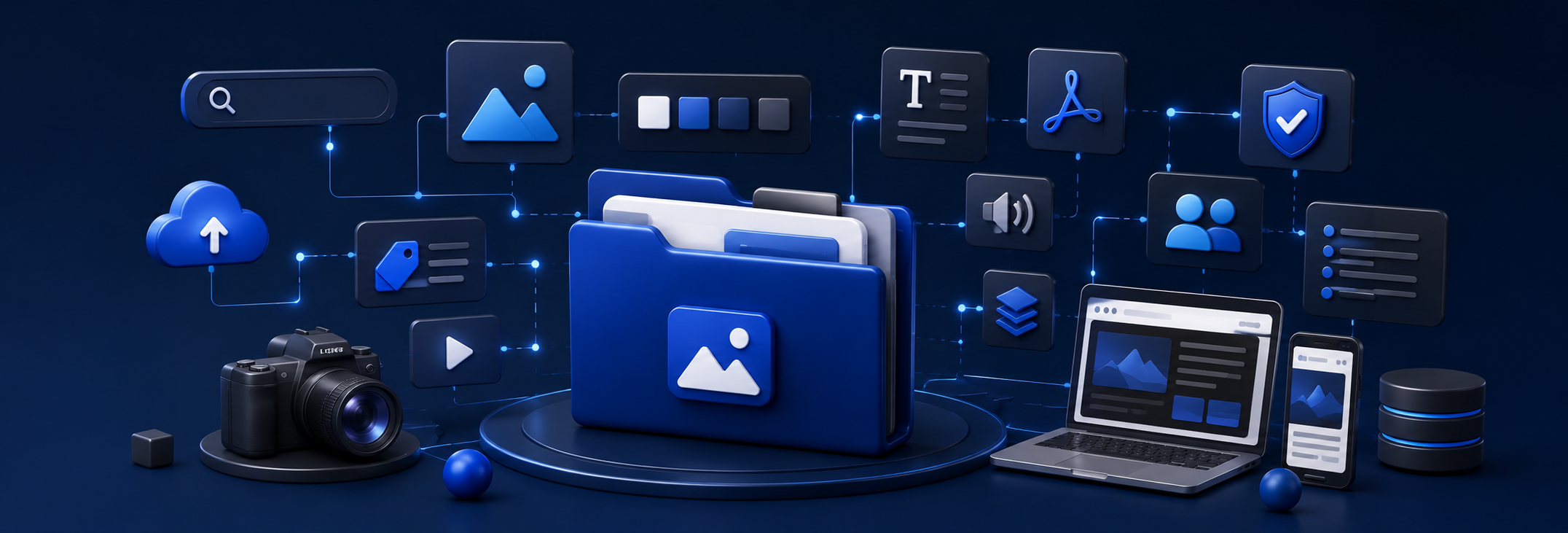
Before any team can manage its files well, it helps to agree on what actually counts as a digital asset. Here is a plain-English definition, the main types you are probably already sittin gon, and why they need more than a folder to stay useful.
What is a digital asset?
A digital asset is any file with ongoing value to a business: logos, photos, videos, product documents, presentations, and design files. What makes it an asset, rather than just afile, is that it gets reused across teams and channels, which is why it needs tagging and version control to stay findable and current.
A single product photo, for example, might get pulled into a website, a sales deck, a distributor catalog, and a social post, all within the same month. That reuse is exactly what turnsa file into an asset worth managing carefully.
What are the main types of digital assets?
Most companies manage four broad categories of digital assets: brand and marketing files, product and technical documentation, sales and enablement materials, and legal or compliance records.The mix shifts depending on the business, but the categories below cover the majority of what a marketing, sales, or ops team touches.
What makes a file a "digital asset" instead of just a file?
A file earns the label"digital asset" when it is approved, reused, and needs to stay consistent across every place it shows up. A one-off screenshot saved to someone's desktop is a file. The current, approved version of a company logo, used on the website, in a slide deck, and on a partner's storefront, is an asset.
That distinction matters because assets carry risk that random files do not. If a distributor grabs an out dated wiring diagram instead of the current one, that is not a minor inconvenience; it can mean an incorrect installation or a warranty claim.
Why do digital assets need metadata and version control?
Digital assets need metadata and version control because reuse only works if people can find the right file and trust that it is current. Metadata, like tags for brand, product line, or filetype, is what makes a search return the right result instead of a wall of similarly named files.
Version control solves a related but separate problem: making sure that when a spec sheet or a logo gets updated, everyone searching for it lands on the current version rather than an outdated copy still floating around from two years ago.
Where do digital assets typically live, and go missing?
Digital assets typically end up scattered across shared drives, email attachments, and local folders, which is exactly where they start to go missing. Growth is usually the cause: a folder structure that worked for ten files falls apart at ten thousand.
“All of our assets are scattered throughout Google Drive, OneDrive, Dropbox, and locally stored drives.” - a marketing lead describing their file setup before consolidating
Once assets are scattered like this, one person usually becomes the de facto index. That works fine until they are on vacation, out sick, or simply too busy to answer another "where is the logo" message.
What is digital asset management, and how does it help?
Digital asset management, orDAM, is the system that keeps digital assets organized, tagged, and version-controlled in one place, so a team does not have to rely on institutional memory to find them. For the full picture of what a DAM does and how it compares to a shared drive, see our companion guide, What Is Digital Asset Management? A Plain-English Guide.
Ready to put this into practice?
Once your team agrees on what counts as an asset, the next step is putting a system around it. See how it works on the Sparkfive product page, or start a free trial and we will migrate your library for you.
Frequently Asked Questions
What is the difference between a digital asset and just a digital file?
Every digital asset is a file, but not every file is an asset. A file becomes an asset when it has on going business value and gets reused across teams or channels, like an approved logo or a current spec sheet, rather than being a one-off document nobody looks at again.
Do digital assets include documents, or just images and video?
Digital assets include documents too. Alongside photos, videos, and design files, product manuals, spec sheets, wiring diagrams, contracts, and sales decks all count as digital assets whenever a team needs to find, trust, and reuse the current version.
Are product documents like manuals or spec sheets digital assets?
Yes. Product and technical documentation, including installation guides, spec sheets, and wiring diagrams, are digital assets. They tend to carry more risk than marketing files, since using the wrong version can lead to a bad install or an incorrect repair.
How many digital assets does a typical team manage?
It varies widely by company size and asset type, but the number climbs quickly once photography, video, product documentation, and sales collateral are all counted together, which is exactly why manual folder systems struggle to keep up.
What happens to digital assets without a system to manage them?
Without a system, digital assets scatter across shared drives, email attachments, and local folders. Duplicates pile up, nobody is sure which version is current, and one person ends up as the unofficial keeper of where everything lives.
Keep reading
What Is Digital Asset Management? A Plain-English Guide- the sibling glossary post, covering the system that manages the assets defined here.


.png)
Ready to see Sparkfive in action?
Book a 20-minute personalized demo for your team.